Build an SEO article outline by extracting the headings (H1–H6) of the top 5–10 pages for your target query, then counting how many of them cover each topic. Match the topics nearly all of them cover — readers expect those — and differentiate with topics only one page covers and with examples or data only you have. Stitching together every top-page heading backfires.
An Outline Decides Two Things: What to Match and Where to Differ
Top pages rank because they answer what searchers want for that query. An article that skips what nearly all of them cover fails the reader's expectations.
Google, on the other hand, asks in its self-assessment for helpful content whether your content provides substantial value when compared to other pages in search results, and whether, if it draws on other sources, it avoids simply copying or rewriting them and provides substantial additional value and originality. Repeating what the top pages say does not pass those questions.
So building an outline means splitting the content into what you match and what you add on top. Extracting and comparing the top pages' headings lets you draw that line by count instead of by feel.
Five Steps to Build an Outline From the Top Pages' Headings
Set aside ads, videos, Q&A sites, and official documentation — they play a different role from articles. Compare against pages of the same type as the one you are writing (explainer vs. explainer).
Enter a URL into a heading extractor and you get the page's H1–H6 with their hierarchy. It is faster than opening each page and copying headings by hand, and nothing gets missed.
Site-wide menus, related posts, company info, and author boxes are extracted too. Keep only the headings from the article body.
Wording differs from page to page, so group headings that cover the same thing into one topic, then count how many of the top pages cover each topic.
Topics that nearly every top page covers are what readers expect — match them. Differentiate with topics only one or two pages cover, and with examples or data only you have.
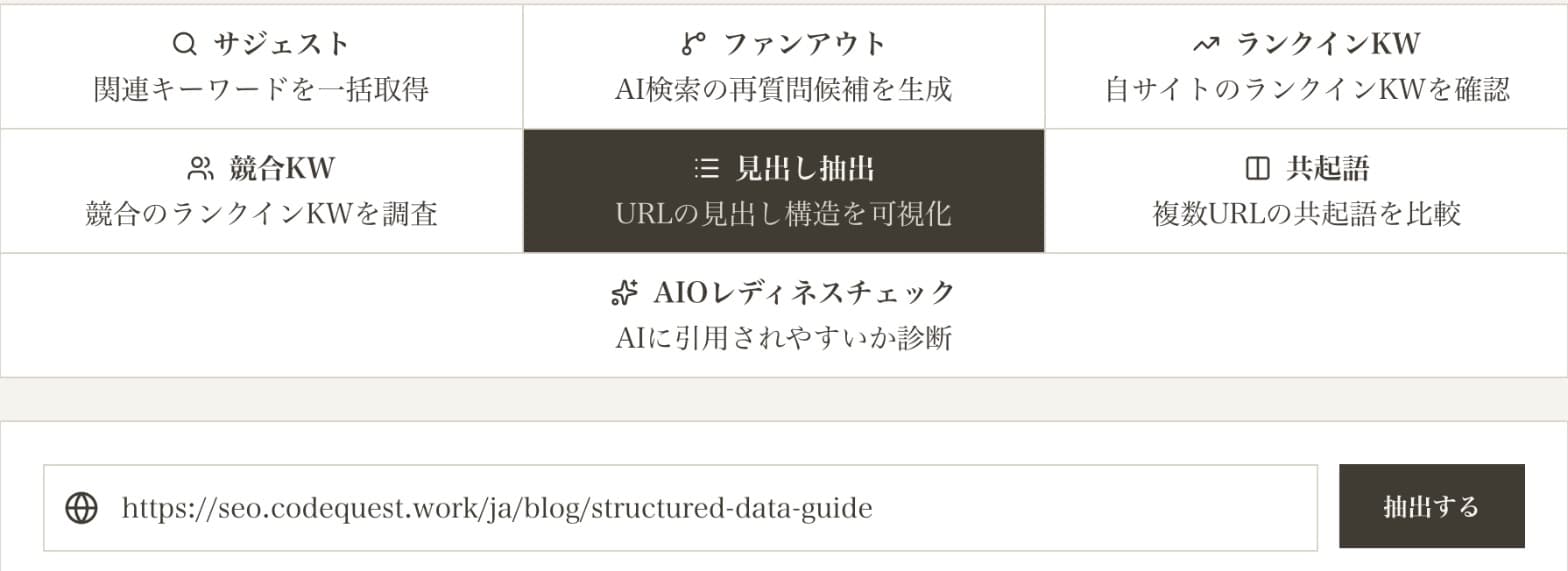
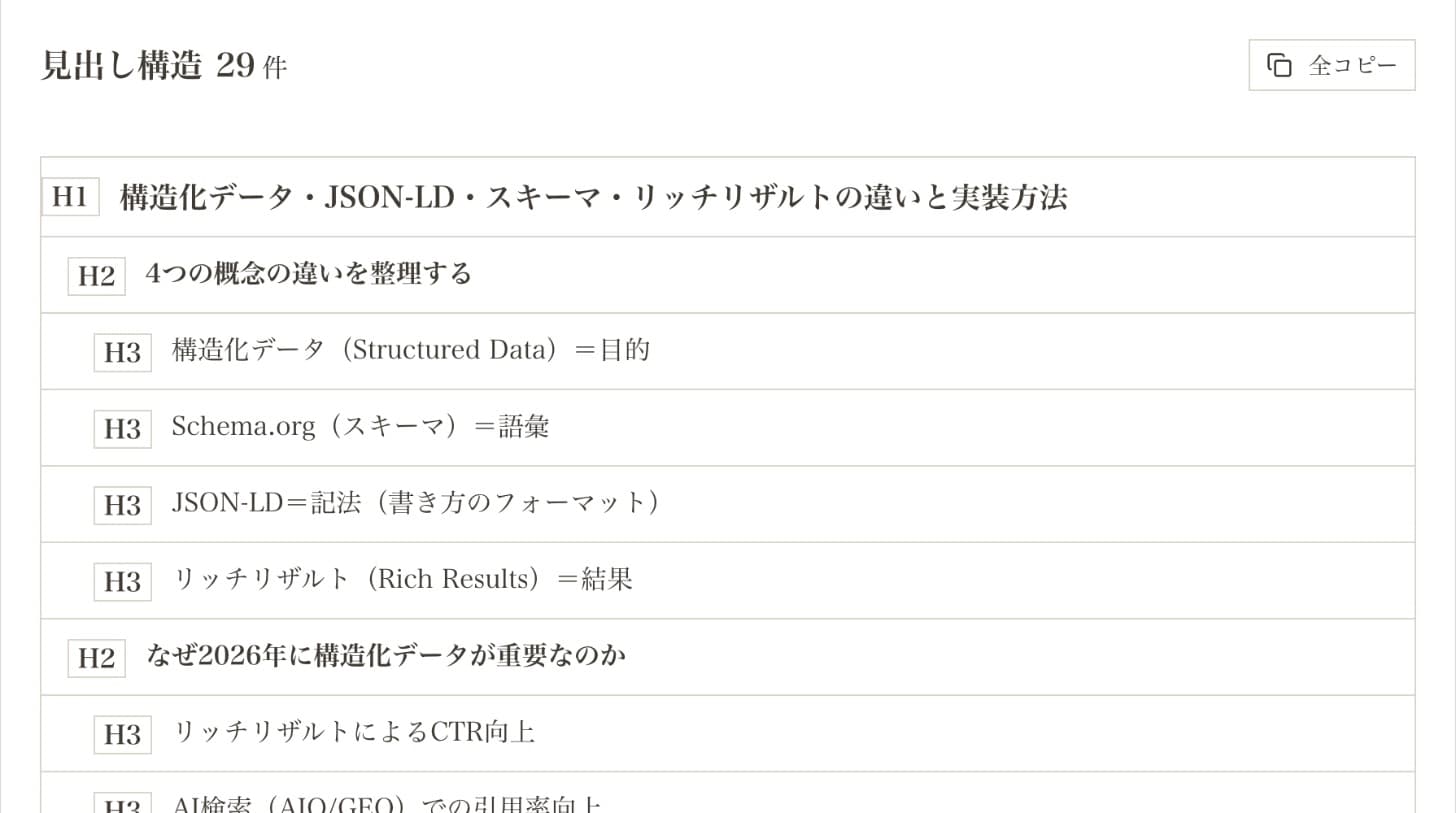
The extractor reads the headings in the page's HTML. Headings rendered later by JavaScript may be missed, so if a page returns very few headings, check it in a browser too.
A Real Example: Comparing Our Own Article for "How to Write Structured Data"
On October 12, 2026, we searched Google (Japan) for the Japanese query meaning "how to write structured data," extracted the headings of the top five explainer articles (excluding Google's official documentation, which plays a different role), and compared them with our own structured data guide. Other sites are anonymized; only topic counts are shown.
| Topic | Top pages covering it | Our article |
|---|---|---|
| What structured data is (definition) | 5 of 5 | Yes |
| Benefits (rich results, etc.) | 5 of 5 | Yes |
| Schema.org and JSON-LD (vocabulary and syntax) | 5 of 5 | Yes |
| How to write it (directly in HTML, or with a markup helper) | 5 of 5 | Yes (JSON-LD examples) |
| How to validate (Rich Results Test, Search Console, etc.) | 5 of 5 | No dedicated section (added after this comparison) |
| List of types | 4 of 5 | Yes |
| Drawbacks | 2 of 5 | No |
| Cautions and common mistakes | 1 of 5 | Yes (5 failure patterns) |
| Building it with generative AI | 1 of 5 | No |
| Case studies | 1 of 5 | No |
The gap was validation. All five top pages had a dedicated heading on checking markup with the Rich Results Test or Search Console; ours only pointed to our checker tool, with no validation section. Readers learning how to write structured data also want to confirm it works, so this is something to match — we added a validation section after this comparison.
Conversely, only one top page covered common mistakes, while ours covered five failure patterns with examples. That is where we stand out — and what we must not cut.
One more thing surfaced. Our article cited higher CTR from rich results as a reason to use structured data and still described FAQ rich results as if they were shown — but Google stopped showing them on May 7, 2026 (we corrected that after this comparison). Listing headings side by side also exposes sections that have gone stale.
This comparison works not only for new articles but also for existing ones that are stuck. How to find those is covered in our content rewrite guide. How to rewrite content to improve rankings
How to Treat Each Topic by Coverage
| Coverage | Treatment | Why |
|---|---|---|
| Nearly all (4–5 of 5) | Match | What readers assume will be there. Without it, your article does not answer the query |
| About half (2–3 of 5) | Decide by intent | Include it if the reader's goal needs it — never just to make the article longer |
| Few (1 of 5) | Differentiation candidate | Something readers need that most top pages skip. A strength if you can cover it with your own examples or data |
| None | Originality candidate | Your experience, measurements, or decision criteria that other articles cannot offer. Check it still fits the search intent |
Which format the top pages share (explainer, comparison, how-to) also tells you about search intent. See what search intent is and, for heading markup itself, how to use heading tags (H1–H6).
Four Mistakes When Using Top Pages' Headings
- Stitching together every top-page heading: you end up longer than everyone, with nothing new for the reader. Google lists mainly summarizing what others have to say without adding much value as a sign of search-engine-first content.
- Deciding by count alone: a topic only one page covers may be a differentiation opportunity — or something readers simply do not want. Judge it against the search intent.
- Matching the top pages' word count: Google states there is no preferred word count. The point of comparing outlines is to find gaps in what readers need, not to match length.
- Reading headings but not the body: identical headings can hide very different depth. After counting, read the top pages' body text for the topics where you want to stand out.
What the Headings and Co-occurrence Tools Do
Direbase's keyword tool includes Headings, which extracts a URL's headings, and Co-occurrence, which compares the words frequently used across several URLs. Use headings to find gaps in structure and co-occurrence to find gaps in vocabulary.
Both are paid features: 30 uses a month on Entry (¥980/month), 100 on Basic, and unlimited on Pro (as of October 12, 2026). Comparing five top pages with your own article uses six runs per outline.
Sources (checked October 12, 2026)
FAQ
How many top pages should I compare?▾
Isn't using the top pages' headings just copying?▾
Should I match the top pages' word count?▾
Why does extraction return headings unrelated to the article?▾
Why do some pages return almost no headings?▾
Can I use this to review existing articles?▾
Line Up the Top Pages' Headings Before Your Next Article
Extract the headings of the top pages and your own, and decide what to match and where to differ by count.
Use the heading extractorHeading extraction is available from the Entry plan (¥980/month). See pricing

Written by
今井政和SEO Director / Frontend Developer
SEO Director with 20+ years of web industry experience. Creator of Direbase and the official WordPress plugin "ORECTIC SEO CHECK." Author of a book on web strategy inspired by Edo-era merchant principles.
@imai_directorRelated Articles
Google May 2026 Core Update | What Google Officially Stated, Backed by CodeQuest.work's Real Data
Google rolled out the May 2026 core update on May 21. The official statement was only three lines. We cross-check 'no specific recovery action' and 'a ranking drop isn't necessarily a problem' against CodeQuest.work's measured data on structured data and AIO citations.
Can Low Domain Power Still Rank? | Beating a High-DA Site with One Page
Even against a high-Domain-Power competitor, a single page can overturn rankings for a specific query through search-intent fit and depth. From an observed reversal against a far stronger legacy site, we dissect what worked and what it does not prove — the difference between a query-level win and site-wide superiority.
What Is Search Intent? The 4 Types, How to Identify It & Apply It in SEO
Search intent is the goal behind a user's query. Learn the four types (Know/Go/Do/Buy), how to identify intent from the SERP, how to diagnose content mismatch, and what search intent means in the AIO era.
How to Research Competitor Keywords for Free | Step-by-Step Guide
Discover which keywords your competitors rank for, their positions, and estimated traffic — for free. From tool usage to building a content strategy.